The Output That Waits
Open the release preview
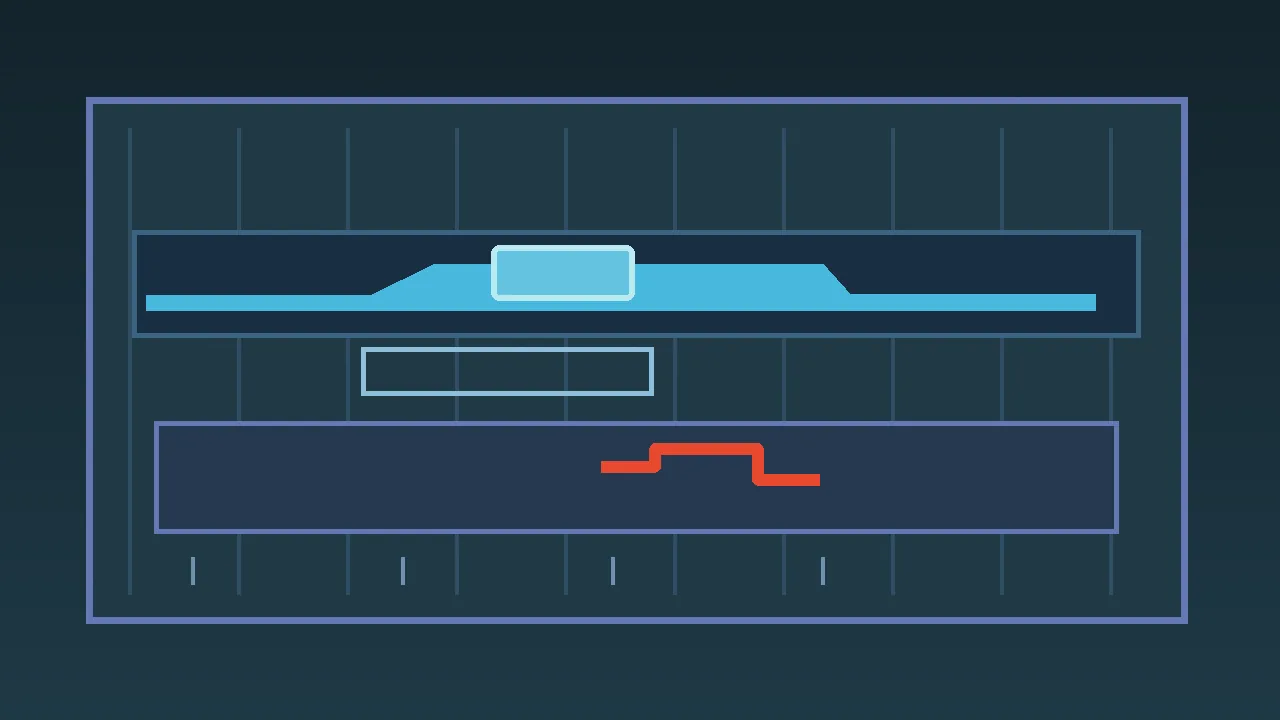
The upper group is ready while the strip still holds a reading.

The upper group is ready while the strip still holds a reading.
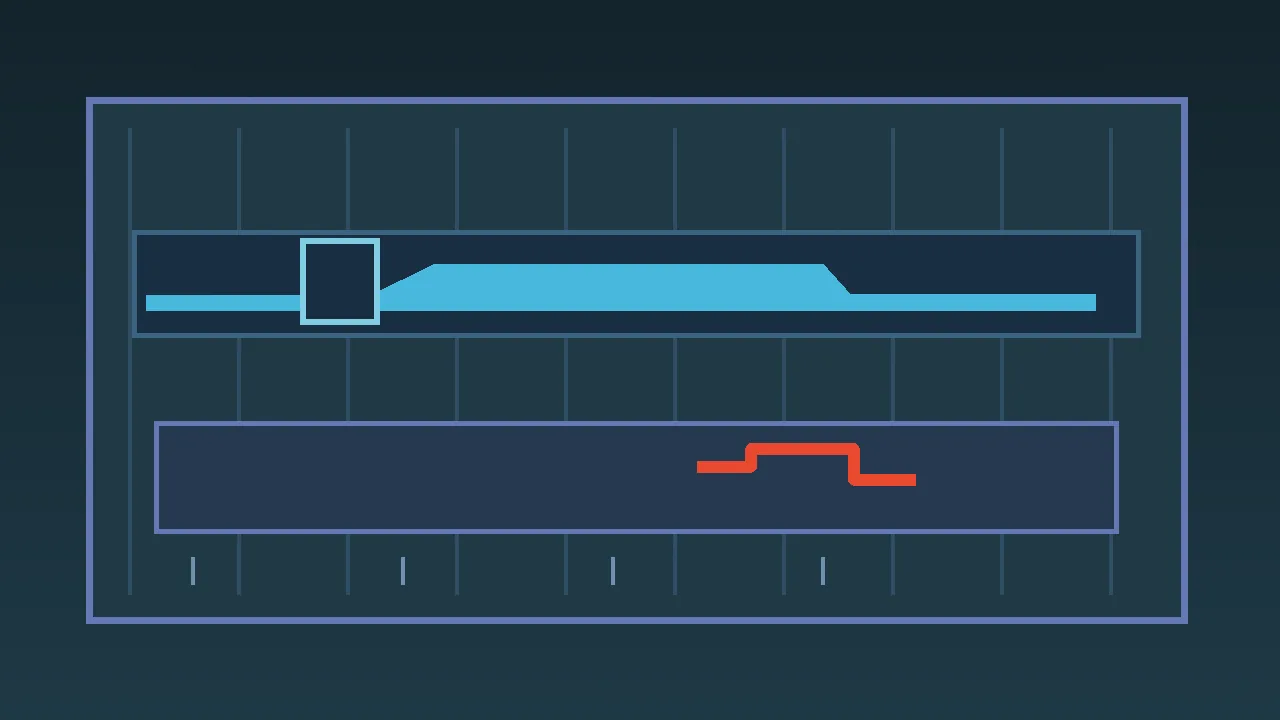
Input stops with a reading still visible in the lower strip.
The first chapter gives one output row a place to wait before it reaches the next marker. The second holds an earlier reading after a short pause in the model. A heading on either side identifies the current chapter and the other choice. Expand a chapter to see a small drawing of its first frame. The full case page tells you what the player can change before that frame moves. The earlier route stays useful when you return to compare an effect on the later turn.
The waiting chapter puts the output and service strip on different levels of the same model. A release can come earlier or later depending on what is visible next to it. The pause chapter starts where the input has stopped moving. The first reading remains above the strip, and a model marker on another line still needs to clear. Select the chapter whose drawing fits the effect you want to follow. Each figure includes a plain caption for a reader who wants to navigate without comparing several colours at once.
After you find the readout that changed, return to the companion chapter without closing your first case. Find a similar effect that leaves a different part of the model available. The game uses its own symbols and times, so an earlier decision in one model can be compared without assuming both panels use the same limit. Read an entry from Output Dates if you want to follow the placement of a mark or see how a pause keeps the first value in view. The chapter index leaves both labels open as landmarks for that read. Each case includes a stopped comparison with its chosen output phase and the earlier state.